The project itself :
Project Overview
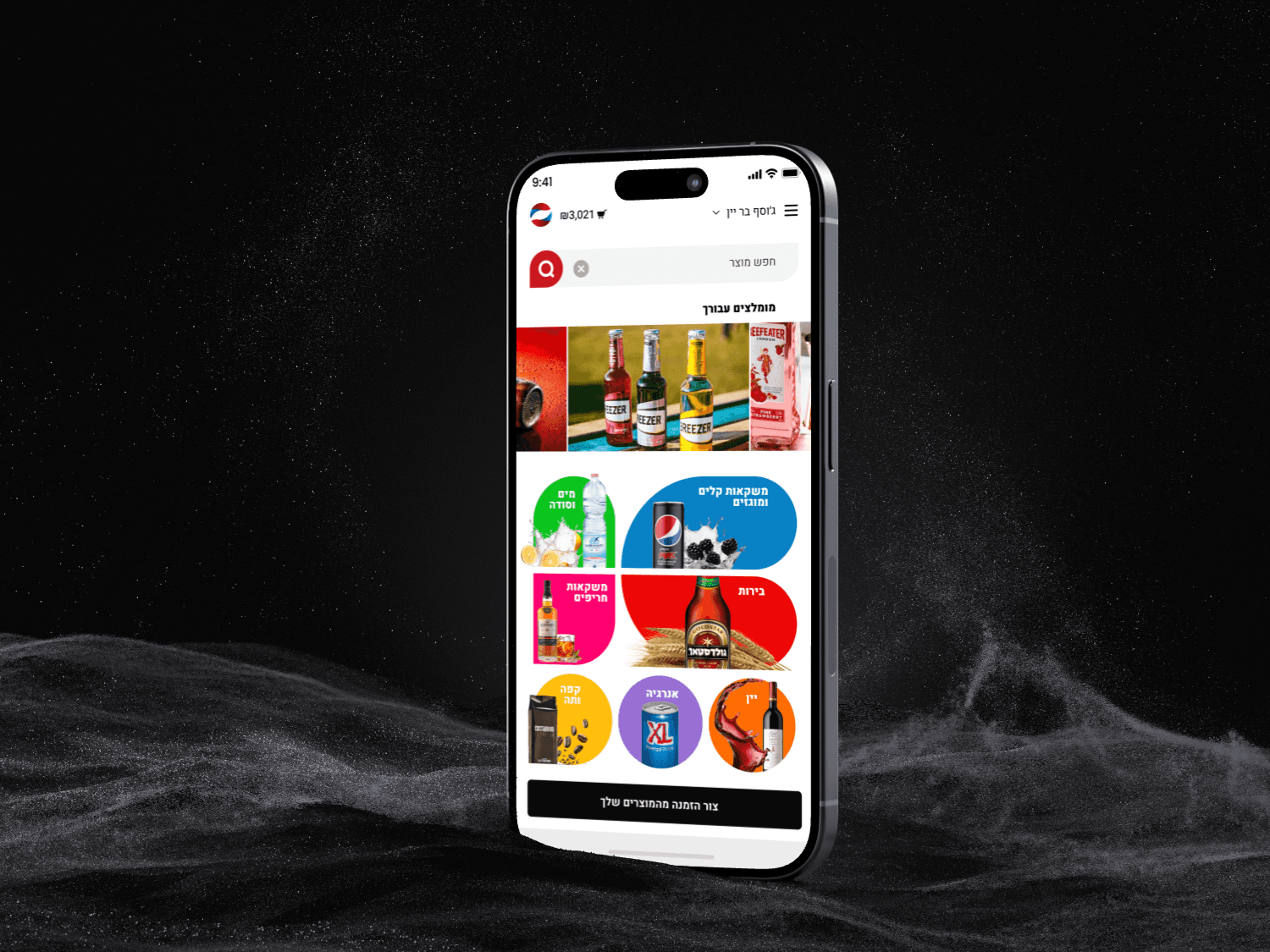
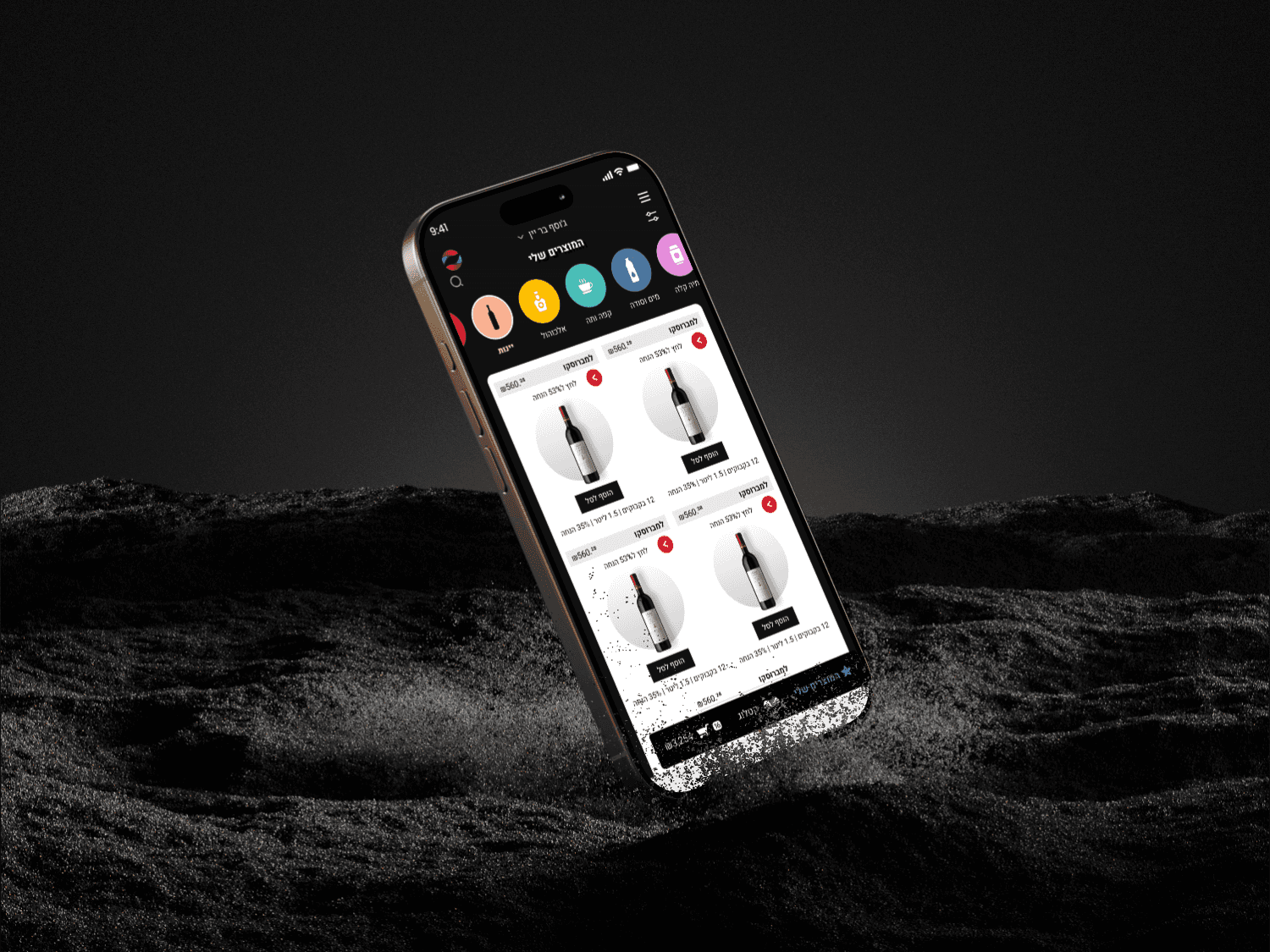
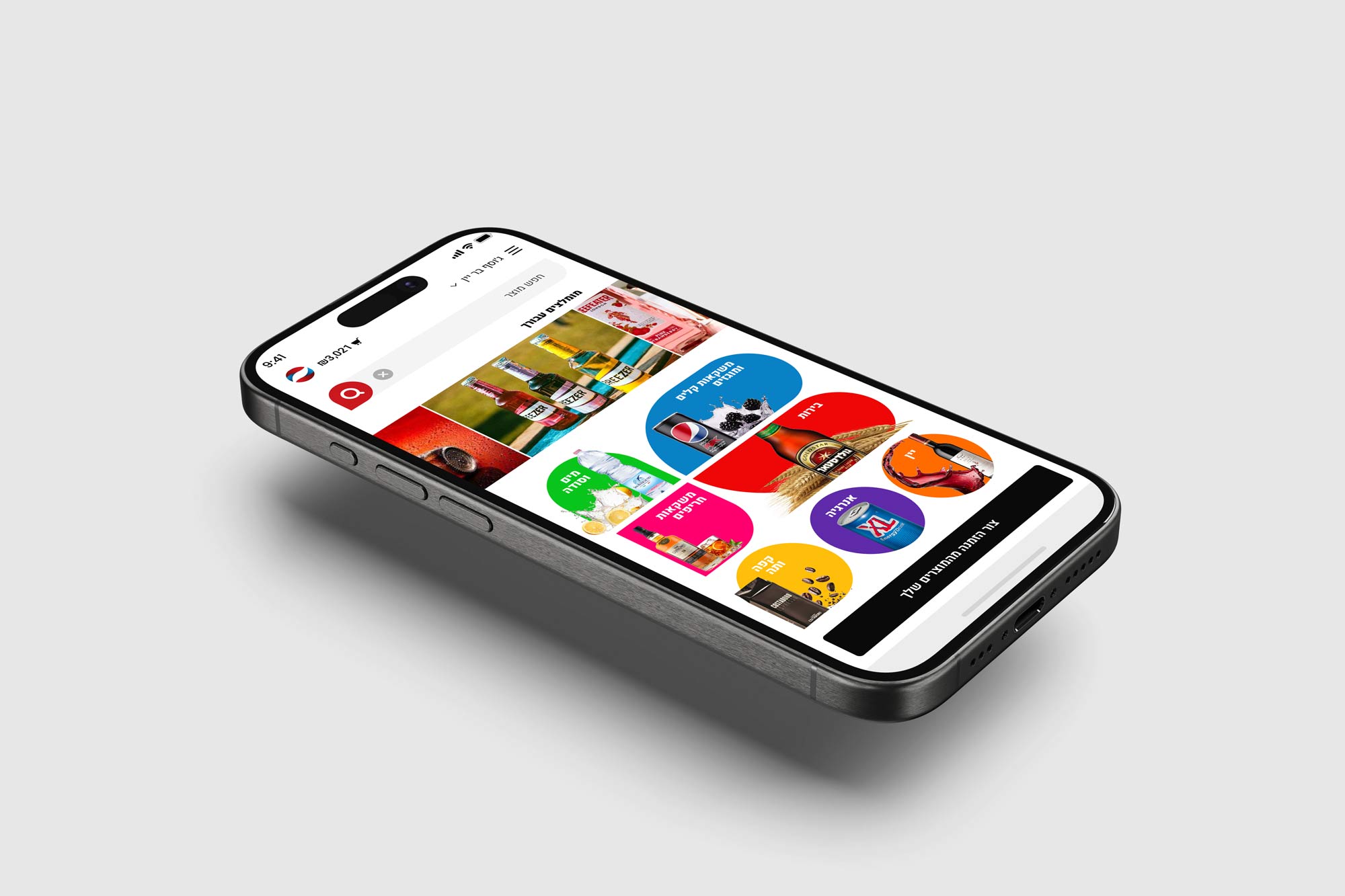
The B2B Tempo app is a single ordering hub for bar owners, supermarkets, and small convenience stores, allowing them to browse all Tempo products in one place, build carts, and manage repeat orders.
The goal was to replace phone calls and fragmented order forms with a clear, mobile‑first experience that fits into the daily workflow behind the bar or in the back office.
Problem:
Retail customers had to juggle catalog PDFs, Excel sheets, and calls with sales reps to place and track orders, which led to mistakes, missed items, and inefficient upsell opportunities.
There was no unified digital channel that showed real‑time availability, delivery days, and promotions across the full beverage portfolio, making planning and replenishment harder than necessary.
Goal:
The main goal of the Tempo B2B app was to create a single, self‑service channel where business customers can discover, order, and manage all Tempo products without relying on phone calls or manual forms.
By unifying catalog, delivery schedules, invoices, and promotions in one experience, the app aims to reduce ordering friction, cut errors, and systematically grow basket size through smarter recommendations and upsell moments.
My role:
Worked as the UX/UI designer for the B2B ordering app, from initial concept through information architecture, flows, and final visual design.
Collaborated with product, sales, and operations to translate trade terms, delivery constraints, and complex price structures into a simple, self‑service interface for business customers.
Responsibilities:
Designed product discovery and quick‑order flows.
Created cart, invoicing, and delivery‑day selection screens.
Defined upsell and promotion patterns inside the ordering flow.
All about the user :
User Research
User research for the Tempo B2B app focused on bar owners, supermarket buyers, and small grocery managers who regularly order beverages from multiple suppliers. Interviews and field observations explored how they currently place orders (calls, WhatsApp, Excel, distributor visits), what information they need at the shelf or in the stock room, and where errors or delays typically occur
Pain Points
Unclear pouring and pricing
Guests are unsure how much they are pouring and how they will be charged, which makes them hesitate to start using the system. This uncertainty reduces confidence and can lead to lower engagement and fewer drinks ordere
Limited real-time oversight for staff
Staff find it difficult to see what is happening across multiple taps at the same time with traditional tools. Without a clear live view, it is harder to prevent problems, support guests, and ensure responsible drinking.
Difficult product discovery & upsell
Managers lack live data on which drinks sell, at what times, and to which types of guests. This makes it challenging to optimize product mix, pricing, and promotions, and to prove the value of the system to brands and venues.
User Journey Map
1. Discover & approach
The guest notices the NINA station in a suite, bar, or venue, with clear visual cues that invite them to try self‑pouring. They become curious about how it works and what types of drinks are available.
2. Onboarding & activation
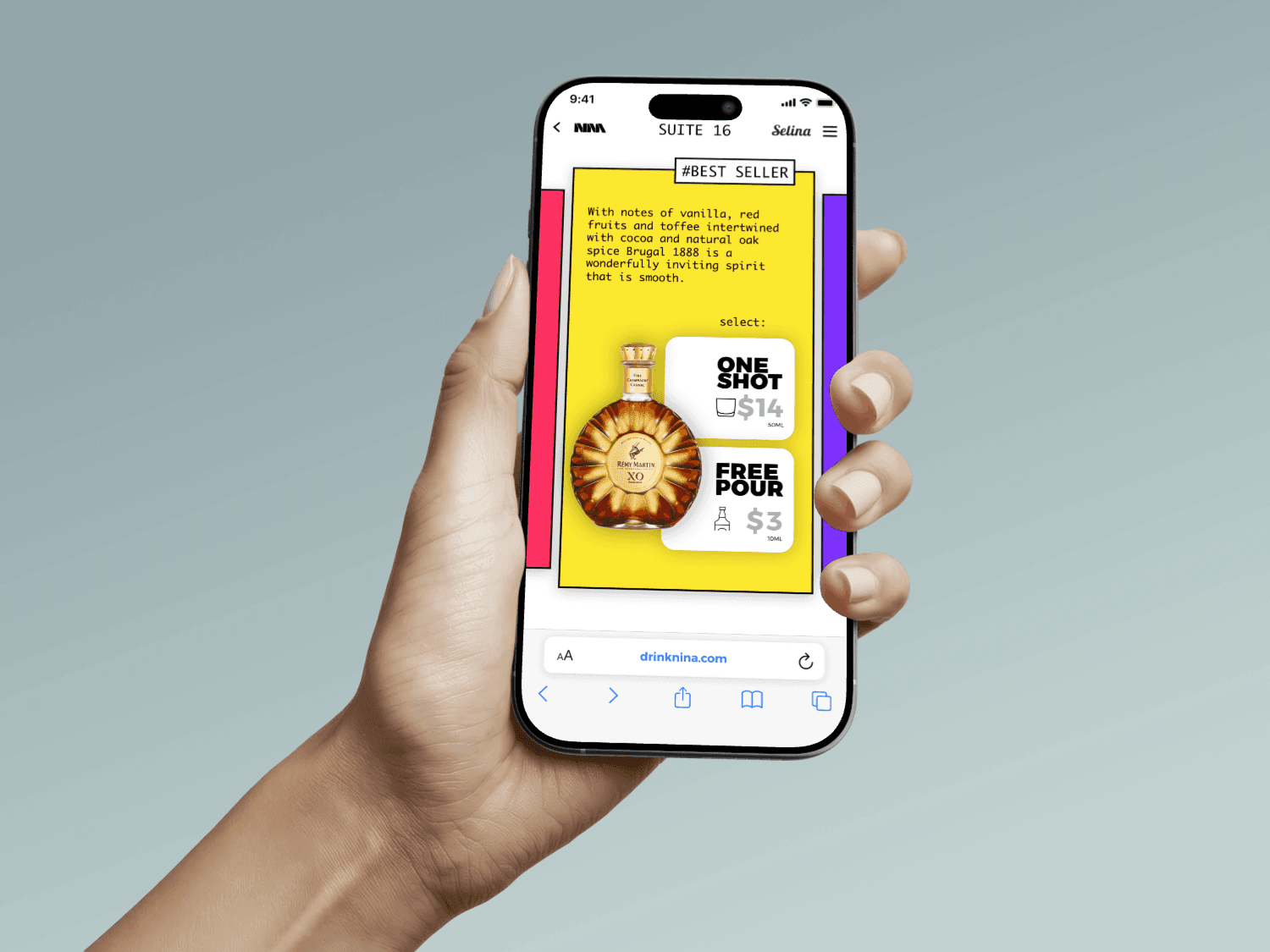
The guest opens the NINA web app (via QR or link) and goes through a short onboarding that explains the concept, validates eligibility (age/ID or access), and connects their profile or payment method. They see simple guidance about limits, safety, and how charging per pour works.
3. Choose station & drink
From the app, the guest selects their active station or tap and browses the available drinks with clear information about brand, type, and pricing. They pick a drink and see how much they can pour and how the price will be calculated before starting.
4. Pour & control
The guest starts pouring and watches a live indicator showing volume and cost increase in real time so they feel in control. They can pause or stop at any moment, and receive immediate feedback when the pour is complete or when a limit is reached.
5. Pay & review
After pouring, the app confirms what was poured and the exact amount charged, and saves the drink in the user’s history or favorites. The guest can view past pours, see recommendations, or start another session, while operators and managers see updated data in their dashboards.
The project schematically :
Starting the Design
Starting the design for the Tempo B2B app began with mapping how bar owners, supermarket buyers, and small store managers actually place orders today—when they check stock, who they talk to, and which tools they use (calls, WhatsApp, spreadsheets, in‑person reps). These insights were translated into core use cases and prioritized flows such as quick reorders from past invoices, catalog browsing by category, and delivery‑day selection, forming the basis for low‑fidelity sketches and wireframes that explored different navigation patterns and cart experiences.
Mood Board
Front :
Design
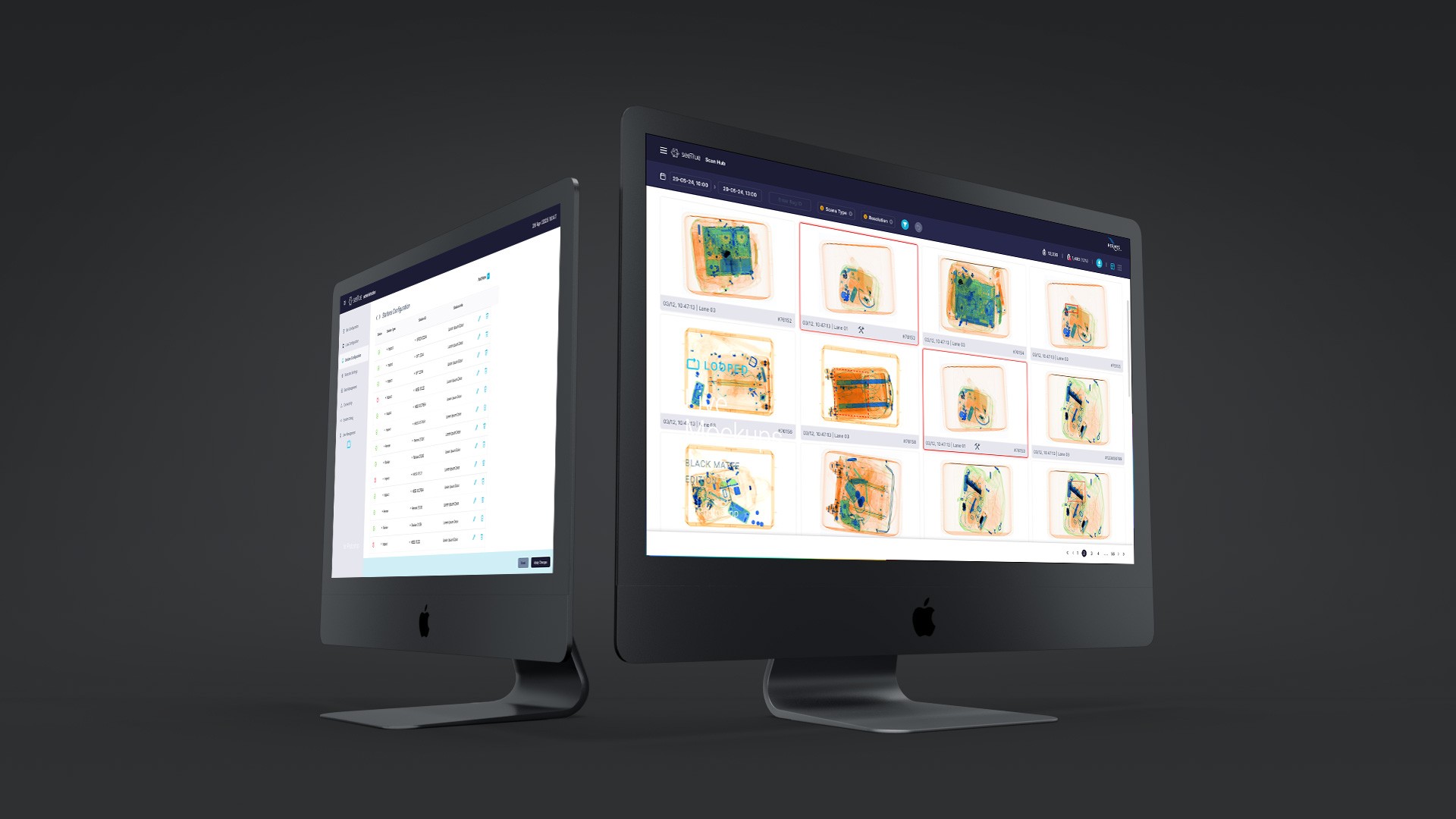
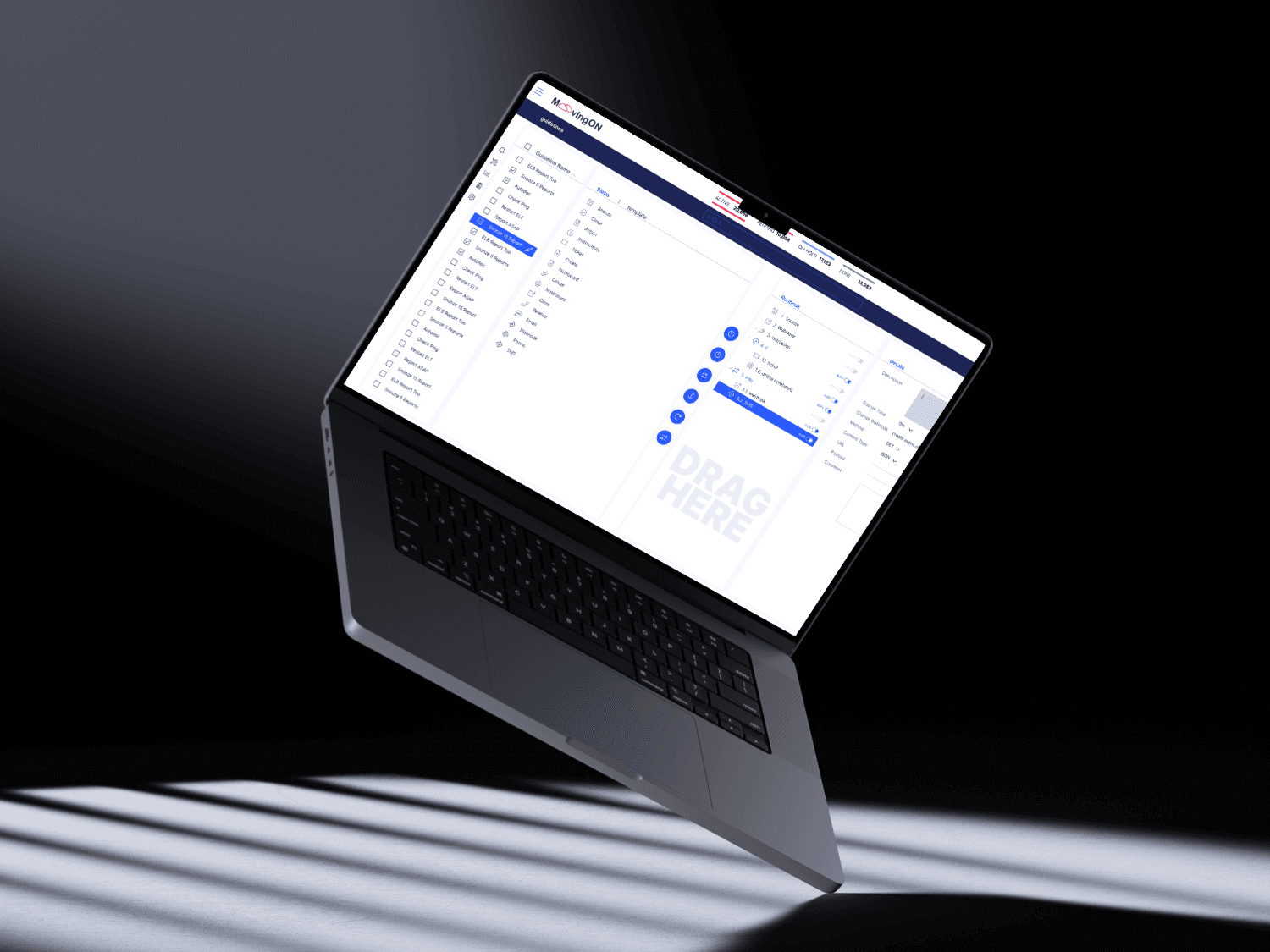
Redesign work on the MoovingON platform focused on transforming a fragmented, legacy interface into a cohesive, modern command center for cloud operations. The new design reorganized navigation, clarified information hierarchy, and made critical data such as incidents, on‑call status, and guidelines more discoverable and scannable for NOC and SRE teams.